
Image to Word
Convert multiple images to Word documents
Upload Images
Drop your images here or click to browse
Supports JPG, PNG, GIF, and other image formats
Selected files:
How It Works
1. Upload
Select or drag and drop multiple image files
2. Review
Check your selected files before converting
3. Download
Get your Word documents with images embedded
Need to include an image in a Word document quickly? Our Image to Word converter makes it simple. Upload any image—JPG, JPEG, BMP, GIF, WebP, PNG, or BMP—and instantly get a Word file with your image perfectly embedded.
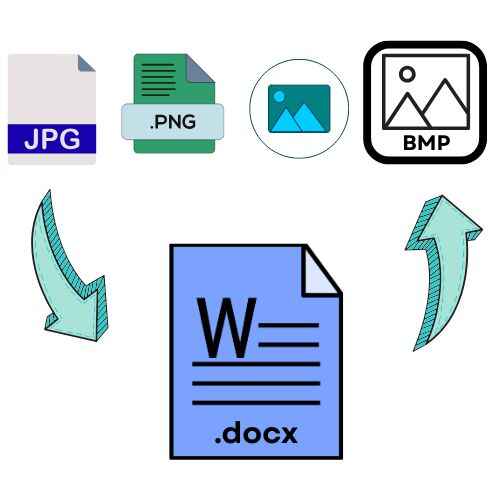
It’s ideal for creating documents with diagrams, photos, or scanned pages without any manual work. Whether for school projects, presentations, or reports, this tool saves time and effort.
Completely free, secure, and online, it works on any browser—no software installation needed. Easily turn images into editable Word documents in seconds, keeping your files neat, accessible, and share-ready.
If you want to extract text only, try our free Image to Text Tool.
Why Choose Our Image to Word Converter?
Lightning Fast
Convert multiple images to Word documents in seconds with our optimized processing engine.
100% Secure
Your files are processed locally in your browser. We never store or access your images.
Completely Free
No hidden costs, no watermarks, no registration required. Convert unlimited images for free.
Frequently Asked Questions
Yes, completely free! Completely free to use — no hidden fees, no watermarks, and no sign-up needed. Your files never leave your computer and are not stored on our servers. You can convert unlimited images without any restrictions.
We support all major image formats including JPG, JPEG, PNG, GIF, BMP, and WebP. The converter automatically handles different formats.
Absolutely! All image processing is performed directly within your browser, ensuring everything stays local. Your files never leave your computer and are not stored on our servers.
Yes! Our tool supports batch processing. You can upload and convert multiple images simultaneously, then download them as individual Word files or a single ZIP archive.
The generated DOCX files are compatible with Microsoft Word 2007 and later versions, as well as free alternatives like Google Docs and LibreOffice.
Need a PDF version? Use our free Image to PDF converter to turn any image into a professional PDF instantly.
Leave a Reply